Hybrid intelligence, for everyone.
Keep your cloud agent. Add a local one that works on your computer.
- Claude Code
- Codex
- OpenClaw
- Hermes Agent
- OpenCode
- Pi
Your AI agents do everything in the cloud.
- Every file they read and every step they take spends cloud tokens, and the work grows faster than the budget.
- Each of those files is sent to the cloud to be read.
- Meanwhile, your computer, with a chip built for AI, sits idle.
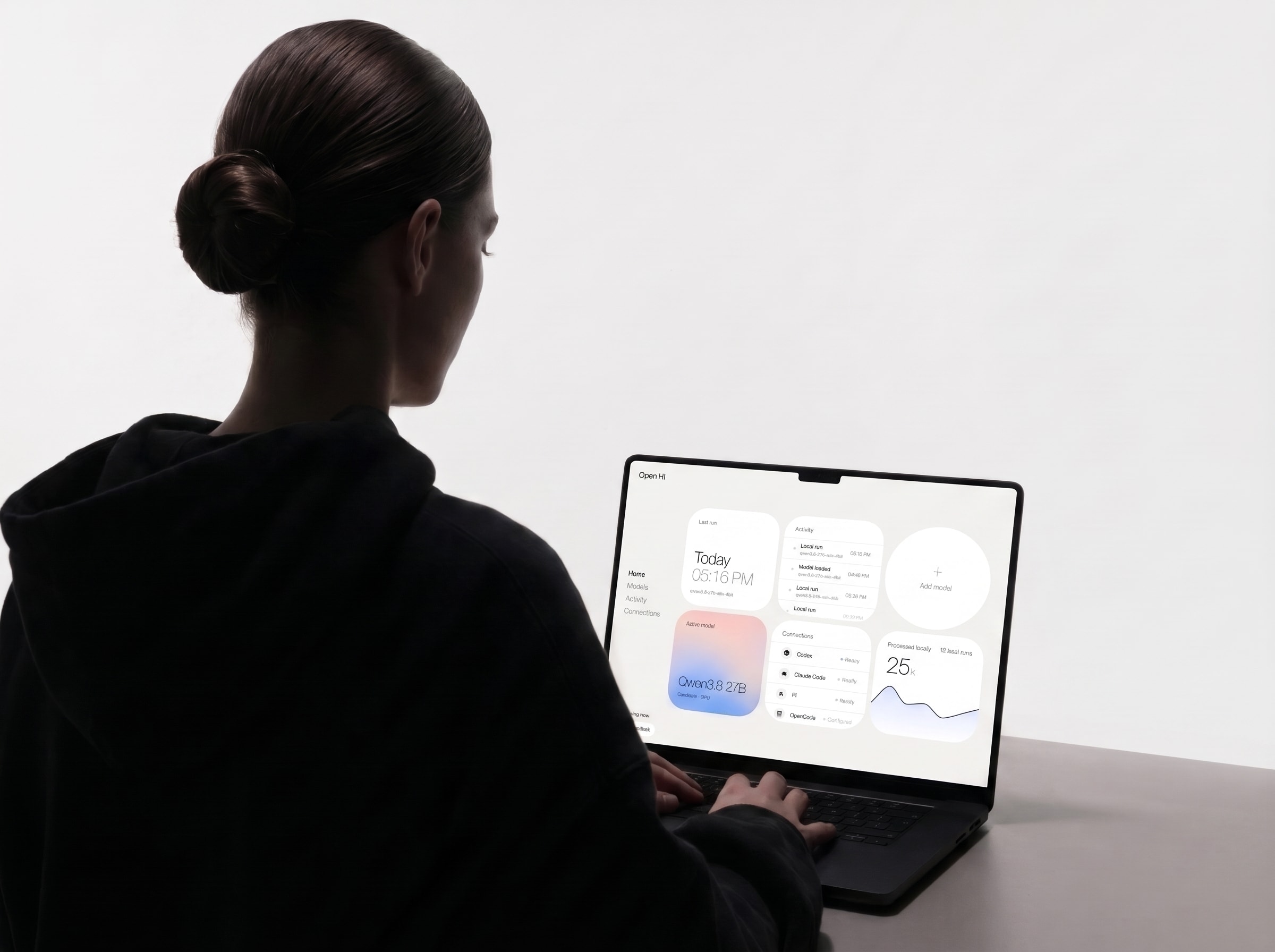
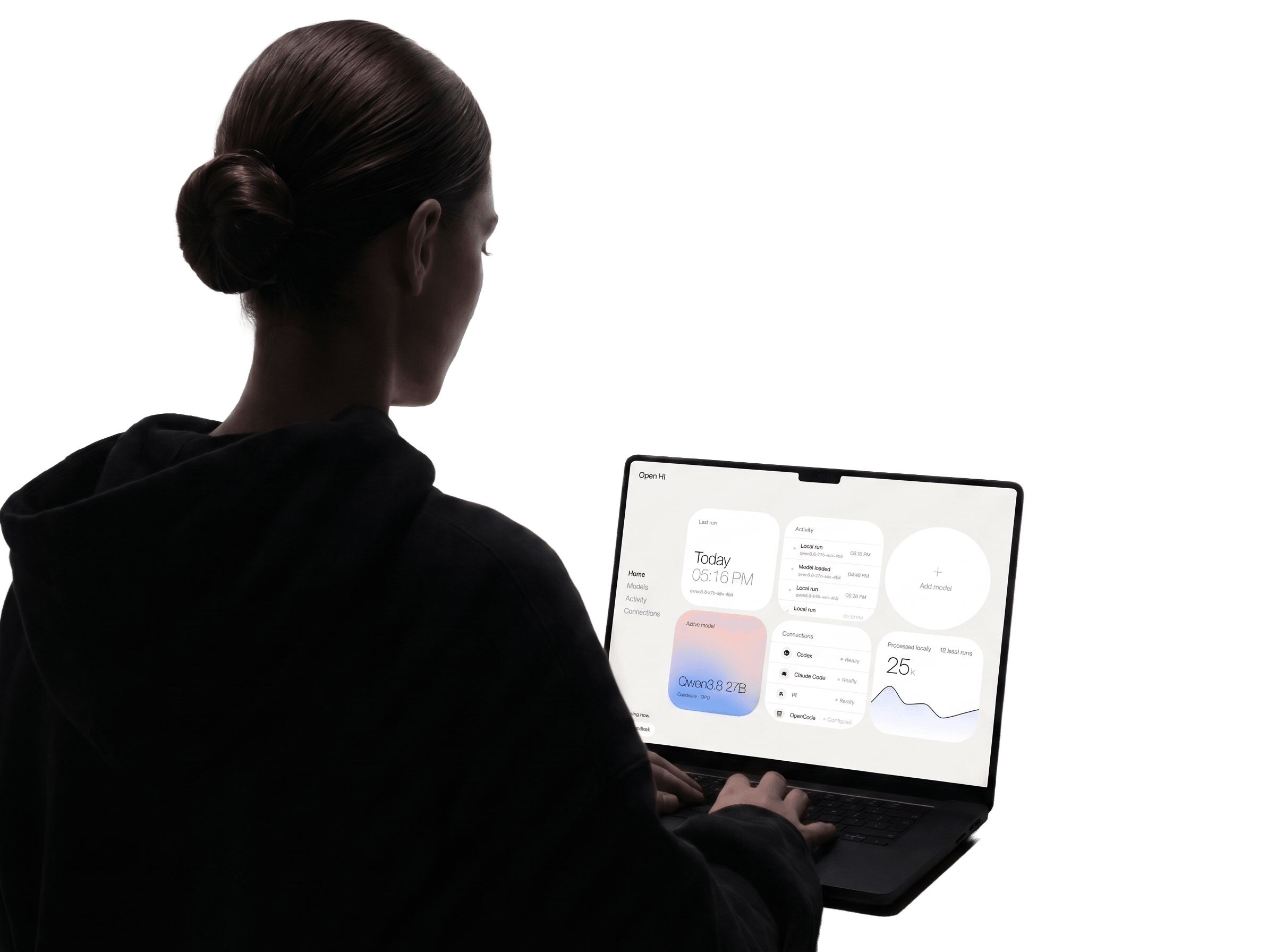
Your cloud agent stays in charge. When it helps, it calls a local agent on your computer.
Fewer cloud tokens.
The work done on your computer doesn’t spend them.
Files read where they live.
The local agent reads them on your computer and sends back only what your agent needs.
Your chip, put to work.
Each model runs on the GPU or NPU in your machine, the part of the chip built to run AI efficiently.
Set up once. Your agent takes it from there.
Open HI picks the right model.
It reads your hardware and prepares the top match on your chip’s GPU or NPU.
Your agent knows what to hand off.
Open HI teaches it what the local agent does well. It sends the task.
A local agent does the work.
Inside the folders you allow.
You see what it did.
The result comes back with every step it took.
What your agents can hand off.
Your agent passes a task to Open HI. The local agent works through it on your computer, and you can see every step it takes.
Add annual plans to checkout.
Annual price in the plans first, then checkout.
Open HI · run_local_read
Find every place that reads a plan’s price.
Done
Update src/billing/plans.ts+18 −2
Update src/api/checkout.ts+9 −3
Open HI5 places read the price. Renewals and receipts assume monthly.
Update src/jobs/renewals.ts+4 −1
Update src/emails/receipt.ts+2 −1
Annual plans are in, renewals and receipts included.
- search “price” in src/23 matches in 9 files
- src/billing/invoice.ts:41reads the price from the plan
- src/jobs/renewals.ts:23assumes a 30-day period
- src/emails/receipt.ts:12prints “/month” on every receipt
Sent to Claude CodeRead 9 files · 4 lines back
Not tied to one platform.
Any agent.
Claude Code, Codex, OpenClaw, Hermes Agent, OpenCode and Pi, through MCP.
Any computer.
Mac or Windows. A laptop, a desktop or the Mac mini that runs your agents.
Open models.
Open-weight models from Qwen, Google, OpenAI, Meta and more. Your agent picks which one runs.
Every model has a datasheet. The harness reads it.
A harness tuned for one model holds another back. Open HI sets itself up for each model before every run.
- Model
- Qwen3.6 35B-A3B
- Parameters
- 36B total, 3B active
- Quantization
- 3.8 bits per weight
- Runtime
- llama.cpp on Metal
- Context window
- 32K tokens
- Tool calls
- Native
- Context budget
- Tool set
- Guidance
- Task recaps
- Parallel work
What a fitted harness changes.
Same model, same 300 SWE-bench Lite tasks. It found the file to fix in 8% of them with a general-purpose harness, and in 64% with Open HI’s.
Measured by Forjal.
The right open model for your machine.
Open HI picks the top match for your machine, faster or smarter. Each model comes with a delegation contract your agent reads before it hands anything off.
Your agent reads it, then decides how much of its work to hand off.
An example for this machine. Speeds are estimated from published memory bandwidth, not measured.
Runs on the chip you already have.
Open HI prepares each model for the accelerator in your machine, the part of the chip built to run AI efficiently. The path is set when the model is prepared, and nothing switches during a run.
- Apple SiliconGPU via MLX and Metal
- SnapdragonHexagon NPU via GenieX
- IntelNPU and GPU via OpenVINO
- AMDNPU and GPU via Lemonade
- NVIDIARTX GPUs via CUDA
macOS 14 or later on Apple Silicon · Windows 11 on Arm, Intel or AMD · 16 GB of memory or more

Your company already owns the compute.
The laptops your team uses carry chips built for AI. Open HI puts them to work inside the agents your team already uses.
Good to know.
What is hybrid intelligence?
Cloud and local AI working as one system. Your cloud agent stays in charge and, when it helps, calls a local agent on your computer for part of the work. Its context stays lighter, your files are read where they live, and that part runs on your hardware instead of cloud tokens.
What does “open” mean in Open HI?
Open to the agent you use, the computer you own and the models you choose: six agents through MCP, Mac and Windows, and open-weight models from the labs you already know. It is not tied to one operating system, one assistant or one subscription.
Is Open HI open source?
Not yet. We plan to open-source it. Today, “open” means open to any agent, any computer and open models.
Who decides what runs on my computer?
Your agent. It decides which tasks to hand off and which local model runs each one. Open HI prepares the models, tells your agent what the local agent does well, and runs the task it was given.
Does Open HI replace my AI agent?
No. Your agent keeps planning and reviewing. Open HI gives it a local agent to hand work to.
What do I need to run it?
A Mac with Apple Silicon and macOS 14 or later, or a PC with Windows 11, with at least 16 GB of memory. More memory lets Open HI prepare larger models.
What can the local agent do on my computer?
Only what your agent allows for each task, inside the folders you choose. Open HI gives the model no network tools, and everything it writes or runs comes back in the result.
Which models does it use?
Open models from Qwen, Google, OpenAI, Meta, Mistral AI, DeepSeek, Liquid AI and Ornith AI, prepared for your hardware. Open HI ranks the ones that fit your machine and starts with the top match; your agent chooses which one runs each task.
What goes to the cloud?
What the local agent reads is processed on your machine and is not sent to our servers. The result goes back to your agent and follows its data policy.
Does it save tokens?
Local work runs on your hardware, not on metered cloud tokens. How much a whole task saves depends on the work, and measuring it is part of our research.
How do I get Open HI?
Open HI is in early access and free while it is. Request access and we will send you the download and help you set it up. For teams, talk to us.
Put your hardware in the loop.
Open HI is in early access and free while it is. We onboard people in small groups and help them set it up.